
Your Next Cyberattack Might Start With a LinkedIn Connection Request
- Filed
- Desk
- Read
- 3 min read
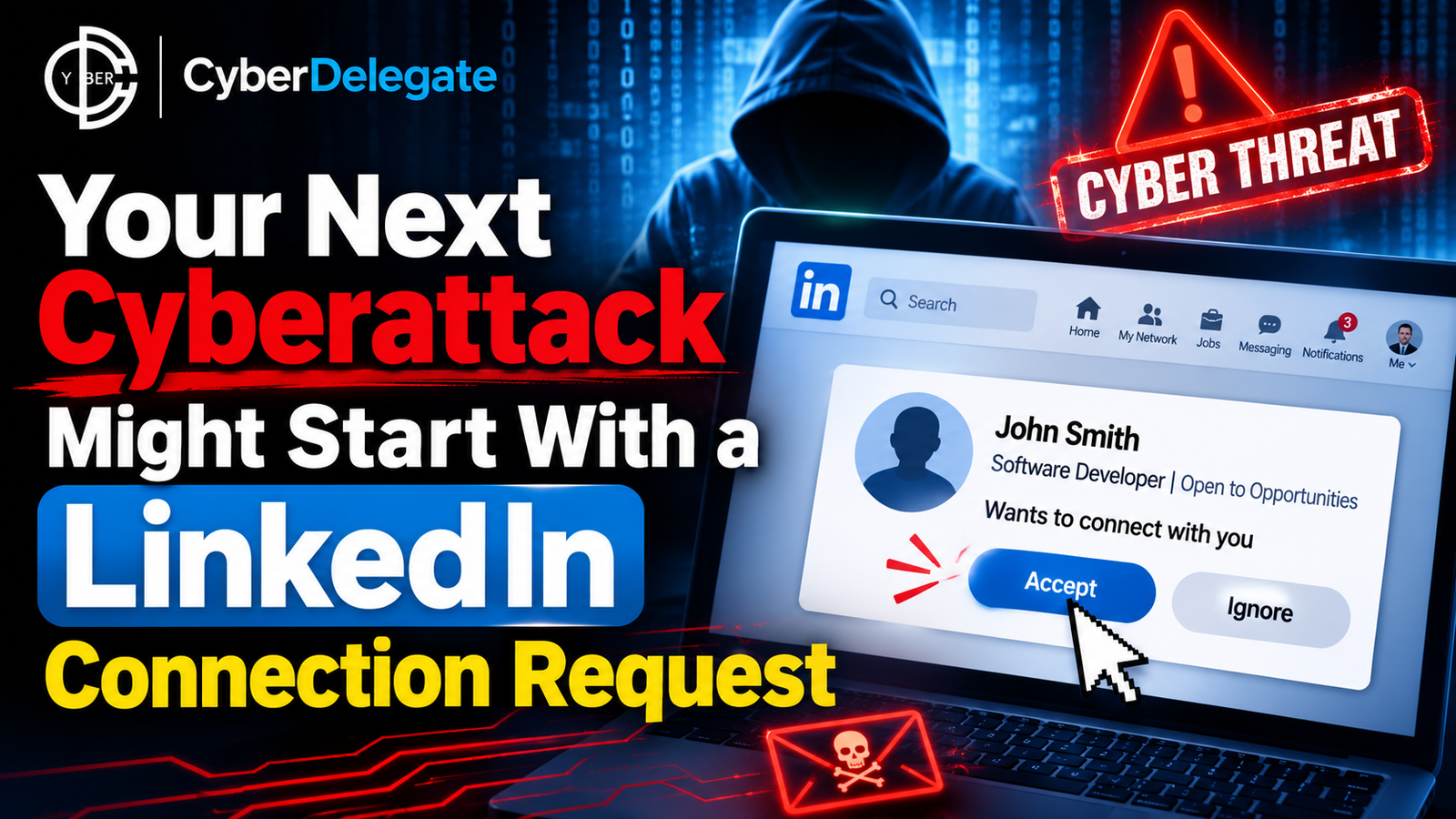
Why the World's Largest Professional Network Has Become a Favorite Hunting Ground for Attackers
LinkedIn was built on trust. It's where people go to find a new job, connect with a former colleague, or check the credentials of someone they're about to do business with. That trust is exactly why attackers love it.
Unlike email, which most people now approach with a healthy dose of suspicion, LinkedIn still feels safe. A message from a "recruiter," a connection request from someone with a polished profile and 500+ connections, an InMail about a business opportunity — these don't trigger the same alarm bells that a sketchy email might. Attackers know this, and they're exploiting it at scale.
Here's what that looks like in practice, and what you can do about it.
The Platform Is a Reconnaissance Goldmine
Before an attacker ever sends a message, they've usually already done their homework — and LinkedIn hands them most of what they need for free. Job titles, reporting lines, tenure, skills, connections, even the software and vendors a company uses can all be pieced together from public profiles and posts. This kind of open-source intelligence gathering is the first stage of many targeted attacks, including spear phishing and business email compromise.
The irony is that the more professionally active and detailed a profile is, the more useful it becomes to someone building a convincing pretext.
Five Ways LinkedIn Gets Weaponized
Phishing dressed as a platform notification. A message arrives claiming your account will be restricted unless you "verify" it immediately. The link doesn't lead to linkedin.com — it leads to a lookalike page built to steal your credentials. The urgency is the point; it's designed to make you click before you think.
The recruiter who isn't real. Fake job offers are one of the most effective LinkedIn scams because they hit an emotional nerve. An unusually attractive, fully remote role appears, the "interview" happens entirely over chat, and at some point you're asked to hand over personal or banking details, or to download a "skills assessment" file that turns out to be malware.
The cloned executive. Attackers copy a real person's photo, headline, and job history almost exactly, then use that fabricated authority to reach colleagues, clients, or vendors — often escalating to a request for an urgent wire transfer or sensitive data.
The slow-burn connection. Not every scam is a smash-and-grab. Some attackers build a relationship over days or weeks through friendly, low-pressure conversation, a tactic known as pretexting, before ever making the ask. By the time the request comes, it feels like it's coming from someone you already trust.
The app that wants a little too much. Third-party tools and browser extensions that ask for LinkedIn login or export access can quietly harvest your entire connection list and profile history — data that later fuels larger phishing and scraping campaigns.
The Tells
Fake profiles and scam messages tend to share a few traits: accounts that are brand new but already have a large network, stock-photo-quality pictures, vague or inconsistent job histories, and behavior that pushes urgency — a request for money, data, or a click, paired with a reluctance to verify identity through any channel other than the one they're already using.
The single most reliable defense is simple: verify through a second channel. If someone claiming to be your CFO messages you about an urgent transfer, call them on a known number. If a "recruiter" seems too good to be true, check the company's actual careers page. Legitimate requests survive a second look; scams usually don't.
Practical Habits Worth Building
A few small changes go a long way:
- Never enter your LinkedIn password on a page you reached by clicking a link in a message — type linkedin.com directly instead.
- Turn on two-step verification and periodically review which devices and third-party apps have access to your account.
- Be deliberate about what you post. Detailed org charts, internal tool screenshots, or travel announcements are useful to more than just your network.
- Treat unsolicited connection requests with no shared context the way you'd treat a stranger at your office door.
- When something feels off, use LinkedIn's built-in reporting tools and flag it to your organization's security team — even if you're not sure. It's always better to report a false alarm than to miss a real one.
The Bigger Picture
None of this means LinkedIn is unsafe to use — it remains an essential tool for building professional relationships and finding opportunities. But it deserves the same scrutiny people have learned to apply to email. The platform's greatest strength, the professional trust it's built on, is precisely what makes it a powerful tool for social engineering when that trust is exploited.
The best defense isn't paranoia. It's a habit of pausing, verifying, and asking "would this request make sense anywhere else?" before acting on it.
Sources
Keep reading
Luna Moth Returns to Law Firms, Hijacks Microsoft 365 Tokens via Video‑Call Scam
Luna Moth extortionists are stealing Microsoft Graph tokens from lawyers on video calls, enabling bulk data theft from Office 365 without MFA.
Compromised Institutional Email Accounts Fuel Bomb Threats Across European Schools.
A wave of bomb-threat hoaxes targeting European schools has been linked to compromised institutional email accounts. The incidents highlight how attackers can exploit trusted communication channels to cause widespread disruption.